
Blog · Battery Health · October 28, 2026
How to Check Your Phone's Battery Health and Know When to Replace It
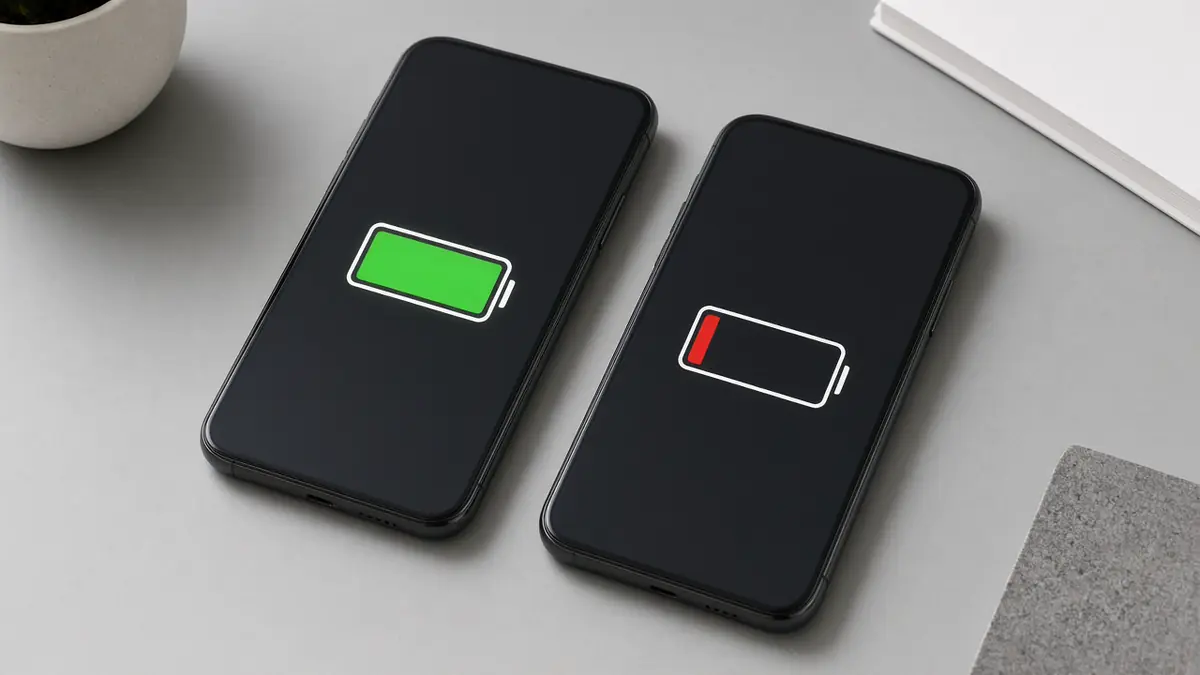
Phone batteries wear out. That isn't a defect. Apple describes all rechargeable batteries as consumables with a limited lifespan, and Google and Samsung say much the same. The good news is that your phone will usually tell you how its battery is doing, if you know where to look.
iPhone: Settings, then Battery
Open Settings and tap Battery. On iPhone 15 and later, tap Battery Health. On iPhone 14 and earlier, tap Battery Health & Charging. You'll find:
- Maximum Capacity: how much charge the battery can hold now compared to when it was new.
- Peak Performance Capability: whether the battery can still deliver the quick bursts of power the phone needs. If an iPhone has an unexpected shutdown because the battery couldn't keep up, iOS may turn on performance management, which can make apps open slower and the screen a little dimmer.
- A service message if the battery's health has significantly degraded. That's Apple's signal that a battery replacement is recommended.
- On iPhone 15 and later, the cycle count, the manufacture date and the date of first use.
What the percentage means: Apple says batteries in iPhone 14 models and earlier are designed to keep 80 percent of their original capacity at 500 complete charge cycles under ideal conditions, and iPhone 15 models and later at 1000 complete cycles. A complete cycle is using 100 percent worth of charge, which can be spread over a few days. Real life isn't ideal conditions, so heat, charging habits and heavy use all move the numbers.
Google Pixel
On Pixel 8a and later, go to Settings, then Battery, then Battery health. Google shows the health as Normal or Reduced, and Reduced means the battery is below 80 percent of its original capacity. Google recommends a replacement at that point. You can see the cycle count under Settings, then About phone, then Battery information.
Google says Pixel 3 through Pixel 8 Pro and Pixel Fold batteries are designed to keep about 80 percent of capacity for about 800 cycles, and Pixel 8a and later for about 1000 cycles. Some earlier models, like Pixel 7 and Pixel 8, don't show a health status at all, so the symptoms below matter more on those phones.
Samsung Galaxy
Samsung points people to the Samsung Members app. Open it, tap Support, then Phone diagnostics, and run the battery check (or Test all). Samsung lists drastic drops in battery life and unexpected shutdowns as signs that a battery is declining.
Other Android phones
Look under Settings, then Battery, and check the maker's support site for your model. Menus vary a lot between brands, and some phones don't show battery health anywhere.
The symptoms matter as much as the numbers
A health screen is useful, but how the phone behaves tells you a lot too. Watch for:
- It no longer makes it through a day that it used to handle easily.
- It shuts off with charge still showing, especially outside in the cold.
- The percentage jumps around, like 40 percent to 10 percent in a few minutes.
- It feels slower than it used to, even after a restart and updates.
- It gets hot while charging or doing light tasks.
- The screen or back looks lifted, or the case no longer sits flat. That can be a swollen battery. Stop charging it and get it checked right away.
So when should you replace it?
A good rule of thumb from the makers: when health drops to around 80 percent of original capacity, when your iPhone shows the significantly degraded message, or when a Pixel shows Reduced. If the phone still gets you through the day and nothing above sounds familiar, you can keep going. If you're planning to keep the phone another year or two, a fresh battery is usually the simplest way to make that year feel better.
Make the next battery last
- Keep it cool. Heat wears batteries faster. Google suggests charging in a cool place, and Apple advises against leaving phones in hot spots like a car in the sun.
- Use the built-in charging limits. On iPhone 15 and later, Settings, then Battery, then Charging lets you set a limit from 80 to 100 percent. On iPhone 14 and earlier, Optimized Battery Charging learns your routine and holds off on charging past 80 percent until you need it.
- Don't sleep on it. Charge on a hard surface with some air around it, not under a pillow or blanket.
What a battery replacement looks like here
If you're in Clifton Park, we're a short drive down the Northway in Latham. We'll check the battery and the charging port and give you a free estimate before we start. Battery replacements carry our 30-day warranty.
Want us to take a look?
Tech Station is an appointment-only repair shop at 6 Northway Lane, Latham, NY 12110. We work on phones, consoles, computers, tablets and plenty of other electronics, so if your device isn't mentioned here, ask anyway. Pick whichever of these is easiest for you:
- Book online: choose a time that works for you on our online booking calendar.
- Call us: 518-900-1663 if you'd rather talk it through first.
- Text us: send a quick description (and a photo if you can) to 518-900-1663.
Estimates are free. If a diagnostic is needed, it runs $40 to $100, and we explain it and get your okay before we start. Repairs come with a 30-day warranty, and we offer free pickup and delivery within 5 miles of the shop. We can't promise every device can be fixed, but we'll always tell you what we find.