
Blog · Battery Health · October 21, 2026
Swollen Battery? What to Do Today with a Puffy Phone, Laptop, or Controller
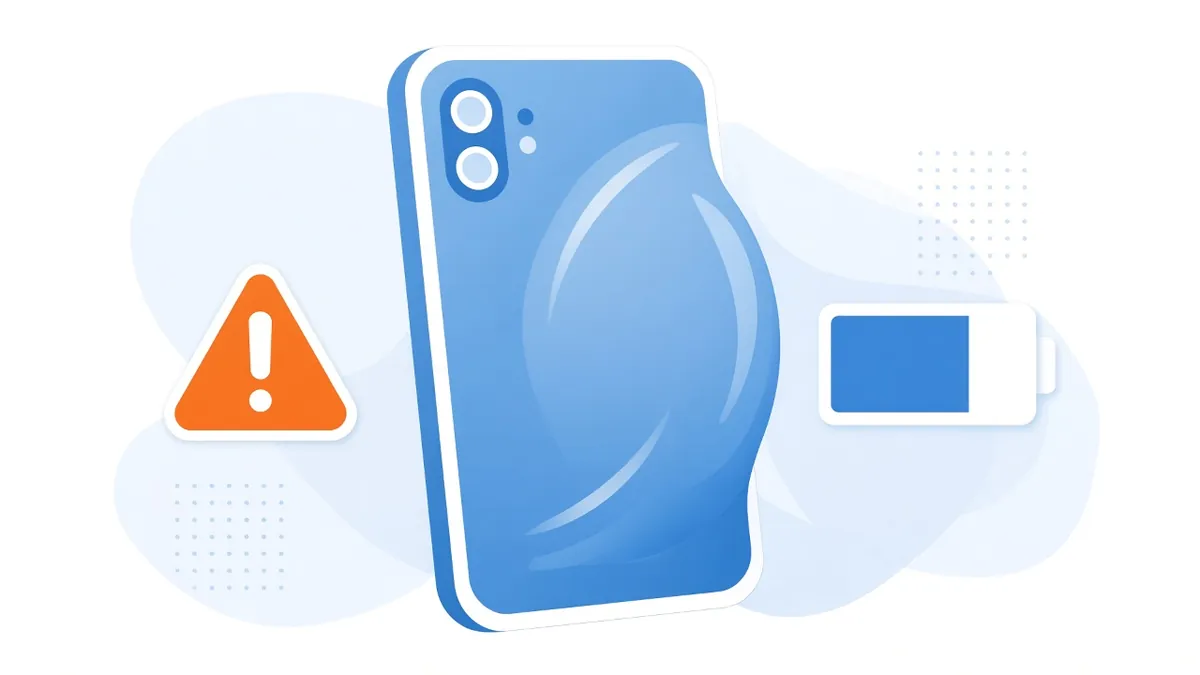
A screen that's started lifting away from the frame. A laptop that rocks on the table when you type. A controller whose shell won't stay closed. These all have something in common: the battery inside is swelling. It's one of the few repair problems where we'd tell you to stop what you're doing today, not this weekend.
Why batteries swell
The batteries in phones, laptops, tablets, controllers, and handhelds are lithium-ion, and most are sealed in a soft pouch. As the cells age or get damaged, chemical reactions inside can produce gas, and the pouch puffs up like a pillow. Age, heat, physical damage, and poor-quality chargers can all speed this up. The U.S. EPA describes a swollen battery as a sign of damage and a potential fire hazard.
How to spot it
- Phones and tablets: the screen lifts at one edge, there's a gap between the glass and the frame, or the back glass bulges or cracks on its own.
- Laptops: the bottom panel bows out, the laptop wobbles on a flat table, the trackpad gets hard to click or sits higher than usual, or the keyboard area looks raised.
- Controllers and handhelds: the shell halves start separating, buttons feel different, or the back panel won't sit flat.
- Any device: it gets unusually hot, gives off a sweet or chemical smell, or the battery life suddenly drops off a cliff.
What to do right now
- Stop using it and stop charging it. Unplug it. Charging a damaged battery adds energy to a cell that's already in trouble.
- Power it off if you can do it without pressing on the swollen area.
- Move it away from anything that can burn. Put it on a hard, non-flammable surface like tile or concrete, not a bed, couch, or carpet.
- If it's hot, smoking, hissing, or leaking, call 911. New York City's battery safety guidance says to stop using the battery immediately, move it away from flammable materials if it's safe to do so, and call 911.
- If there's no immediate danger, the EPA suggests storing it in a safe spot until it can be dealt with, such as a container of sand or kitty litter or another location away from flammable materials.
What not to do
- Don't press it flat or try to close the case back up.
- Don't puncture it to "let the air out." Puncturing a lithium-ion cell can cause a fire.
- Don't keep using it plugged in "just until the weekend."
- Don't put it in the trash or your recycling bin.
- Don't ship it or pack it in a suitcase.
Getting rid of it in New York
New York's Rechargeable Battery Law, signed in 2010, makes it illegal to throw rechargeable batteries in the trash. The EPA also warns that lithium-ion batteries in household garbage or recycling can start fires in trucks and at recycling facilities.
Under the New York law, stores that sell rechargeable batteries have to take them back. Damaged ones need extra care, though. The state's Division of Homeland Security and Emergency Services points people to Call2Recycle, which offers kits for damaged, defective, and recalled batteries, and Call2Recycle's New York program provides damaged battery kits to participating retailers. Your county's household hazardous waste program is another option. Call ahead and tell them the battery is swollen so they can tell you how to bring it in.
Can the device be saved?
Often, yes. A swollen battery is usually a battery replacement, not the end of the device. But swelling can also cause damage of its own, so we check more than the battery. A swollen pouch can crack a screen, bend a frame, stress the connectors, or press on the board. When a device comes in with a swollen battery, we remove the battery safely, inspect the board and connectors under magnification, and test the device before quoting the full repair. If the swelling damaged something else, you'll hear about it before we do any work.
If you're bringing a swollen device to us, call or text first and tell us it's swollen, so we can tell you how to get it here safely.
Keeping the next battery healthy
- Heat is the big one. Don't leave devices on a dashboard or in a hot car, and don't game on a laptop sitting on a blanket or pillow where the vents are blocked.
- Use decent chargers. Stick with the manufacturer's charger or a reputable brand with a safety certification mark.
- Pay attention to old devices in drawers. Old phones and tablets sitting dead in a drawer for years can swell too. Check them once in a while and recycle the ones you don't need.
- Don't ignore the early signs. A small gap at the edge of a screen is much easier to deal with than a battery that's pushing the screen off.
Want us to take a look?
Tech Station is an appointment-only repair shop at 6 Northway Lane in Latham, NY. Pick whichever of these is easiest for you:
- Book online: choose a time that works for you on our online booking calendar.
- Call us: 518-900-1663 if you'd rather talk it through first.
- Text us: send a quick description (and a photo if you can) to 518-900-1663.
An estimate comes before we start any work. If a diagnostic is needed, it runs $40 to $100, and we explain it and get your okay before we start. We offer free pickup and delivery within 5 miles of the shop, and a flat one-way fee beyond that. We can't promise every device can be fixed, but we'll always tell you what we find.