
Blog · Device Repair · October 20, 2026
Dropped Your Phone in Water? Skip the Rice. Here's What Actually Helps
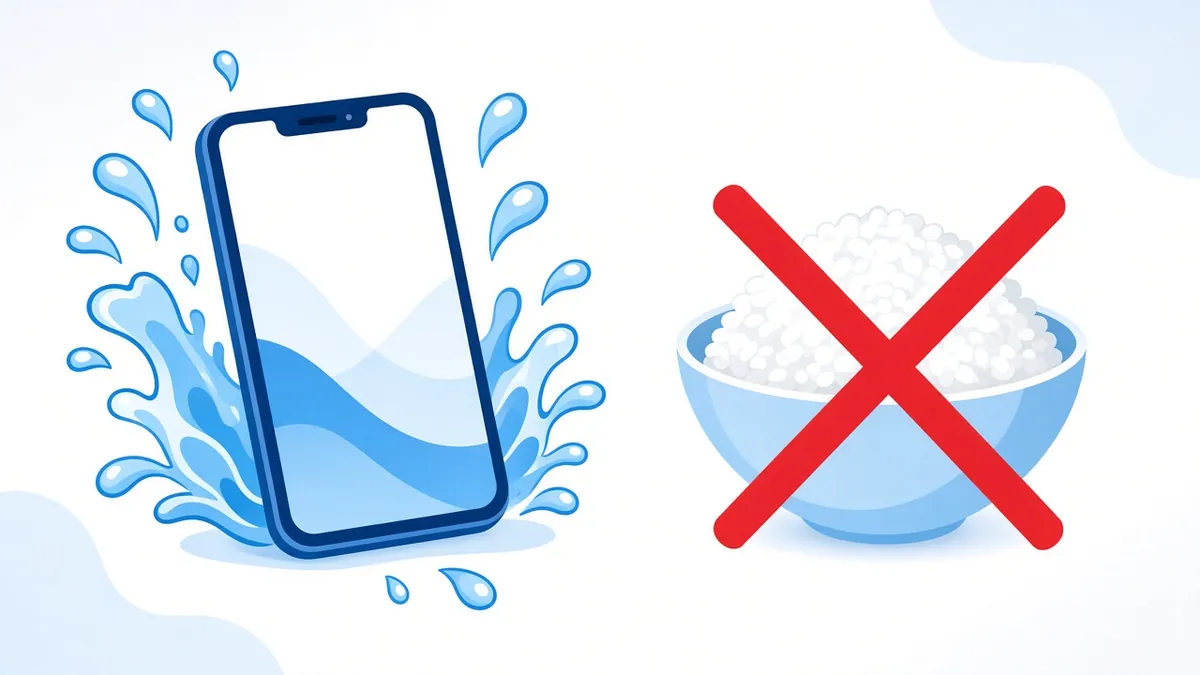
It slipped into the sink, went through the wash in a pocket, or took a swim in the lake. The first thing almost everyone does is grab a bag of rice. Apple's own support page now says not to, and so does Samsung. Here's what both companies actually recommend, what we'd add from the repair side, and why a phone that seems fine today can quit next week.
The first few minutes
- Get it out and unplug everything. If it's on a charger, unplug the cable from the phone and from the wall.
- Don't charge it. Apple warns that charging while the port is wet can corrode the pins on the phone or the cable and cause permanent damage. This is the single most important step.
- Turn it off. Samsung's guidance is to power the phone down right away. Less power running through a wet board means less chance of a short.
- Take off the case and pull the SIM tray. Cases trap water against the phone. Samsung also says to remove the SIM and any memory card.
- Wipe it down with a soft, lint-free cloth.
Drying it the right way
Apple's steps are simple. Gently tap the phone against your hand with the charging port facing down to shake out extra water. Then leave it somewhere dry with some airflow. Apple says a fan blowing cool air into the port can help.
Apple says to give an iPhone at least 5 hours before charging it with a cable after it has been exposed to liquid. If you plug in and get a liquid-detection alert, there's still moisture in the port, and it can take up to 24 hours to dry fully.
What not to do
- No rice. Apple says small particles of rice can get into the phone and damage it. Testing has also suggested rice isn't particularly effective at drying a phone anyway.
- No hair dryer, oven, or heater. Both Apple and Samsung warn against external heat. Heat can damage the battery, warp adhesives, and push moisture deeper.
- No compressed air. It can drive water further in.
- Nothing in the port. Apple specifically says not to put cotton swabs or paper towel into the connector.
Not just water? Read this
Salt water, pool water, soda, and coffee are harder on a phone than tap water because they leave salt, chlorine, or sugar behind. Apple and Samsung both say that if a liquid other than plain water gets on the phone, a gentle rinse with clean tap water can help. Keep in mind that advice is written for their water-resistant models. If your phone is older, has a cracked screen or back, or has ever been opened for a repair, skip the rinse and get it looked at, because water will go straight inside.
"Water resistant" is not waterproof
A water resistance rating comes from lab tests in fresh water under controlled conditions. Real life is different. Apple states that splash, water, and dust resistance are not permanent and can decrease with normal wear. Drops, worn seals, and earlier repairs all chip away at it. Apple also excludes liquid damage from its standard one-year limited warranty, so don't count on a free replacement from the manufacturer.
Why a wet phone can die days later
This is the part that catches people off guard. A phone can dry out, turn on, and seem perfectly normal. But minerals left behind by the water stay on the board, and when the phone is powered, those spots can slowly corrode. A week later, the phone won't charge, the screen flickers, or it won't turn on at all.
That's why a phone that went fully under, or got a sugary or salty liquid on it, is worth opening up even if it seems fine. On the bench we look at the board under a microscope, clean off residue and corrosion, and check the areas where liquid damage tends to show up first, like the charging circuit and the connectors. Sometimes a cleaning is enough. Sometimes a component has already been damaged and needs board-level repair. And sometimes the damage is too far gone. We can't promise every wet phone can be saved, but the sooner it's looked at, the better the odds.
Back up your data as soon as you can
If the phone turns on and works, back it up right away, even if everything seems normal. Use iCloud or your computer on an iPhone, or your Google or Samsung account on Android. Photos and messages are usually what people care about most, and a working phone today is not a guarantee of a working phone next week.
Quick checklist
- Unplug it and don't charge it.
- Turn it off, remove the case and SIM tray.
- Tap it with the port facing down, then air dry with airflow.
- No rice, no heat, no compressed air, nothing in the port.
- Back it up as soon as it works.
- If it went fully under, or the liquid wasn't plain water, have the board checked.
Want us to take a look?
Tech Station is an appointment-only repair shop at 6 Northway Lane in Latham, NY. Pick whichever of these is easiest for you:
- Book online: choose a time that works for you on our online booking calendar.
- Call us: 518-900-1663 if you'd rather talk it through first.
- Text us: send a quick description (and a photo if you can) to 518-900-1663.
You see an estimate before work begins. If a diagnostic is needed, it runs $40 to $100, and we explain it and get your okay before we start. We offer free pickup and delivery within 5 miles of the shop, and a flat one-way fee beyond that. We can't promise every device can be fixed, but we'll always tell you what we find.