Blog · Gaming Consoles · October 19, 2026
PS5 Turns On but No Picture? How to Tell If It's the HDMI Port, the Cable, or the TV
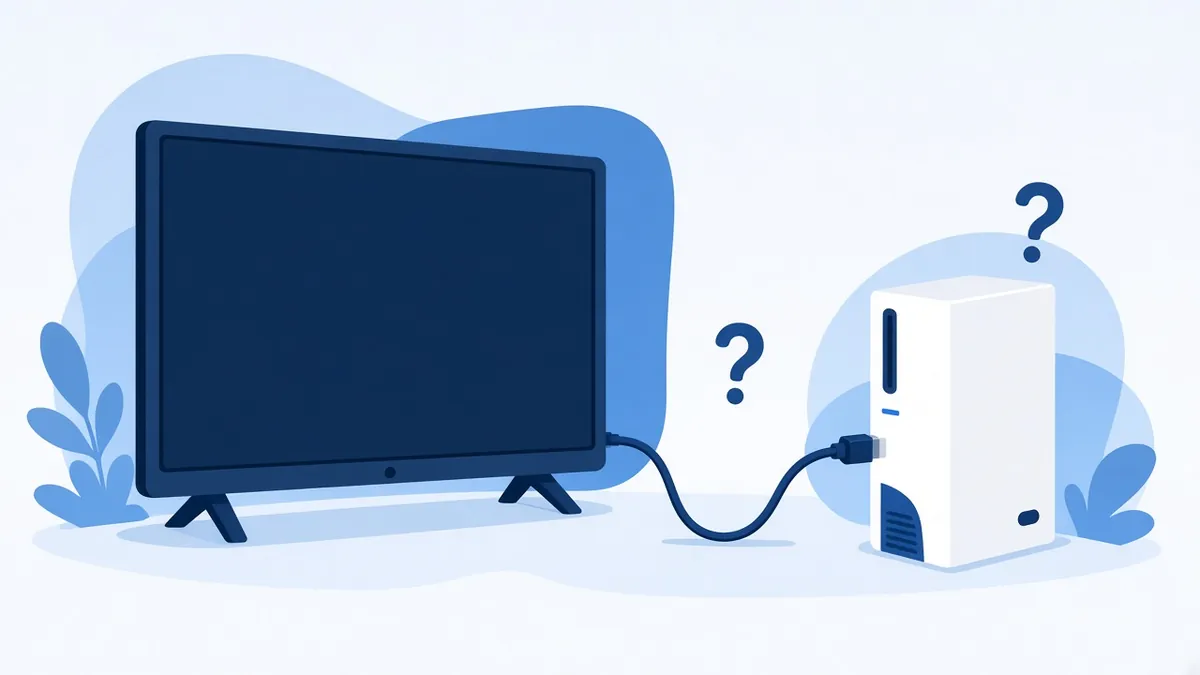
The light on the front comes on, the fan spins, and the TV just says "No Signal." It's a problem a lot of console owners run into. Some of these turn out to be something simple, like a cable or a TV setting. When it really is the HDMI port, though, wiggling the cable to find the sweet spot usually makes things worse.
Here's how to narrow it down at home before you spend anything.
Start with the free checks
- Swap the HDMI cable. Use the cable that came with the PS5 if you still have it, or one you know works on another device. Older cables weren't always built for the kind of signal a PS5 can send.
- Try another input, then another screen. Plug into a different HDMI input on the TV and switch to it manually instead of trusting auto-detect. If you can, try a different TV or monitor too.
- Do a real power cycle. Sony's own troubleshooting says to turn off the TV and the console completely, unplug both power cables, wait 20 minutes, and then plug everything back in. It sounds too simple, but it clears up some handshake problems between the console and the TV.
Try Safe Mode before assuming the worst
Safe Mode starts the PS5 with basic video settings, which makes it a good test.
- Turn the console off by holding the power button for about three seconds.
- Press and hold the power button again. You'll hear one beep right away and a second beep about seven seconds later. Let go after the second one.
- Connect your controller with a USB cable and press the PS button.
- If you get a picture, choose Change Video Output, then Change Resolution, and pick a resolution your TV supports.
If Safe Mode shows a picture, the port and the board are probably doing their job and the problem is more likely a setting or the TV. If Safe Mode shows nothing on two different cables and two different screens, the problem is very likely inside the console.
Signs it's the port itself
The HDMI port on a PS5 is soldered directly to the motherboard. When the cable gets yanked or the console gets moved with the cable still plugged in, that force goes straight into the solder joints and the tiny pads under the port. Common signs:
- The cable feels loose, wobbles, or slides out with almost no effort.
- The picture flickers or drops out when someone bumps the console or the cable.
- You can see bent pins, debris, or a port that looks tilted or pushed in.
- It started right after a move, a fall off the stand, or someone tripping over the cable.
- It only works if the cable is held at a certain angle.
When the port looks fine but there's still no picture
This is the part most people don't know about. Behind the port there's a small group of components and a dedicated HDMI chip on the board that turns the console's video into an HDMI signal. On the original PS5 this is a Panasonic chip labeled MN864739. A power surge, liquid, or an earlier repair attempt can damage that circuit even when the port looks perfect from the outside.
That's why "just replace the port" isn't always the answer. If the chip or the parts between it and the port are damaged, a brand new port won't bring the picture back. It's also why we test the circuit instead of guessing.
What we actually do on the bench
We look at the board under magnification first. We check the port pins and the solder pads underneath, test the small components that carry the signal between the HDMI chip and the port, and confirm the HDMI circuit is getting the power it needs. If the port is the problem, we remove it with controlled heat, clean and repair the pads, solder in a new port, and check every joint before it goes back together.
Sometimes the pads are torn and can be rebuilt. Sometimes the damage goes further than that. Not every board can be saved, and if yours can't, we'll tell you before you pay for a repair that won't hold up. We repair the board rather than just swapping parts, and that means giving you a straight answer about what the board can handle.
A few things not to do
- Don't keep wiggling the cable to get a picture. Each bend can crack the solder joints a little more.
- Don't force a cable in at an angle or try to straighten pins with tweezers or a pin.
- Don't keep playing on a port that "works if nobody touches it." A loose connection can get worse quickly.
To avoid this in the first place, unplug the HDMI cable before you move the console, and leave a little slack so the cable isn't hanging off the back of a shelf.
Special on PS5 HDMI port repair
Book by Monday, November 30, 2026. Drop-offs count. PS5 HDMI port repair is $150, and that includes a cleaning. This special carries a 30-day warranty. We look at the board before quoting anything. If it turns out the problem is deeper than the port, we'll explain what we found and what your options are before any work happens.
And it's not just PlayStation. We repair all consoles, including Xbox, Nintendo Switch, and handhelds like the Steam Deck.
Want us to take a look?
Tech Station is an appointment-only repair shop at 6 Northway Lane in Latham, NY. Pick whichever of these is easiest for you:
- Book online: choose a time that works for you on our online booking calendar.
- Call us: 518-900-1663 if you'd rather talk it through first.
- Text us: send a quick description (and a photo if you can) to 518-900-1663.
You'll have an estimate before we begin. If a diagnostic is needed, it runs $40 to $100, and we explain it and get your okay before we start. We offer free pickup and delivery within 5 miles of the shop, and a flat one-way fee beyond that. We can't promise every device can be fixed, but we'll always tell you what we find.