Blog · Gaming Consoles · November 1, 2026
Console Shutting Off or Loud as a Jet? Causes of Overheating and What to Do
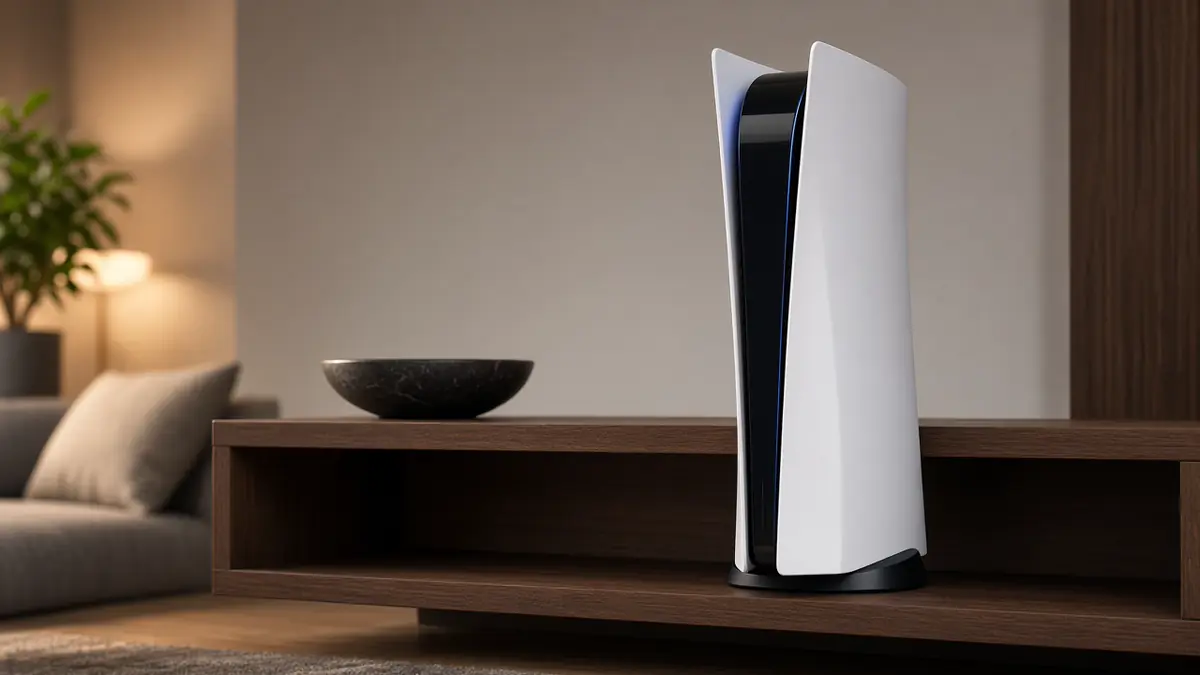
Your console is roaring like a jet engine, or it shuts off in the middle of a game, sometimes with a warning about high temperature. The good news is that overheating often comes down to where the console sits and how much dust it has breathed in. Here's what Sony, Microsoft and Nintendo actually say, and when it's time to get it checked.
First: a loud fan isn't always a problem
PlayStation's support page says a louder fan is normal, and that it means the fan is working harder to keep the console cool. Big games, long sessions and a warm room all make the fan spin up. What's not normal is a fan that's loud all the time, even on the home screen, or a console that shuts itself off.
What the warnings mean
If a PS5 shows a high temperature message, Sony's manual says continued use may make the console stop working. Sony's steps are to turn it off, let it cool, and move it to a well-ventilated spot before using it again. A console that powers off by itself with no warning, or won't turn back on, should also get a rest and a look at its placement before anything else.
The most common causes
- Not enough space. Sony recommends at least 10 centimeters, about 4 inches, of free space around a PS5, and Nintendo recommends at least 10 centimeters around the Switch's intake and vent. A console wedged into a cabinet or pushed against a wall recirculates its own hot air.
- Blocked vents. Sony warns against long-fiber carpet or rugs and cramped spaces. Microsoft says not to put objects on, under or next to an Xbox, because that can block vents and cause overheating.
- Dust. Every console pulls in room air, and with it dust and pet hair that collect on the vents and inside.
- Heat nearby. Sony says to keep the PS5 away from heaters and direct sun. Microsoft wants the Xbox in a well-ventilated, relatively cool spot away from heat sources, and not sitting on speakers or subwoofers.
- Stacking. Sony says not to stack other devices on the PS5. A cable box or soundbar on top of any console traps heat.
What you can do today
- Move it into the open. Give it space on every side, on a stable, hard surface. Open shelves beat closed cabinets.
- Clear the top and sides. No games, controllers, remotes or other boxes on it or pressed against it.
- Clean the vents safely. Unplug the power first. PlayStation suggests a low-powered vacuum on the vents, and the PS5 manual also mentions vacuuming under the covers. Nintendo recommends vacuuming dust from the Switch's vents too.
- Watch the season. Now that the heat is on for the year, check whether the console is anywhere near a vent, radiator or space heater.
- Give it a break. If it's shutting off, let it cool fully before trying again, and don't move a PS5 while its power light is on or blinking.
For handhelds like the Switch, Nintendo says it's normal for the console to get warm while charging or playing, and recommends playing in rooms between about 41 and 95 degrees Fahrenheit. It also warns that long skin contact with a warm device can cause low-temperature burns, so don't leave it resting on your lap for hours.
When it's time to get it checked
If the console has plenty of space, the vents are clean, and it's still roaring on the home screen or shutting off, the problem may be inside. Dust packed deep in the fan and heat sink, a fan that's failing, or cooling parts that aren't doing their job can't be fixed by moving the console. Signs to watch for:
- The fan is loud even when the console is idle.
- It shuts off repeatedly in normal conditions.
- It makes grinding, rattling or clicking noises.
- It smells hot, or you see scorch marks near vents or ports.
Stop using it if you notice a burning smell or scorch marks, and bring it in. We'll open it up, tell you what we find, and give you a free estimate before any work starts. Not every console can be saved, but we'll be honest about what's worth doing.
PS5 owners: HDMI port special through November 30
If your PS5 also has picture problems, like no signal, flickering or a cable that won't seat, the HDMI port may be the culprit. Through Monday, November 30, 2026, our PS5 HDMI port repair is $150, and it includes a cleaning. It also comes with a 1-year parts warranty (parts only, labor not covered).
Want us to take a look?
Tech Station is an appointment-only repair shop at 6 Northway Lane, Latham, NY 12110. We work on phones, consoles, computers, tablets and plenty of other electronics, so if your device isn't mentioned here, ask anyway. Pick whichever of these is easiest for you:
- Book online: choose a time that works for you on our online booking calendar.
- Call us: 518-900-1663 if you'd rather talk it through first.
- Text us: send a quick description (and a photo if you can) to 518-900-1663.
Estimates are free. Diagnostics are free, and we explain the repair and its price and get your okay before we start. Repairs come with a 30-day warranty, and we offer free pickup and delivery within 5 miles of the shop. We can't promise every device can be fixed, but we'll always tell you what we find.