Blog · Tech Safety Tips · October 23, 2026
That Pop-Up Is Lying: How Tech Support Scams Work, and What to Do If You Already Called
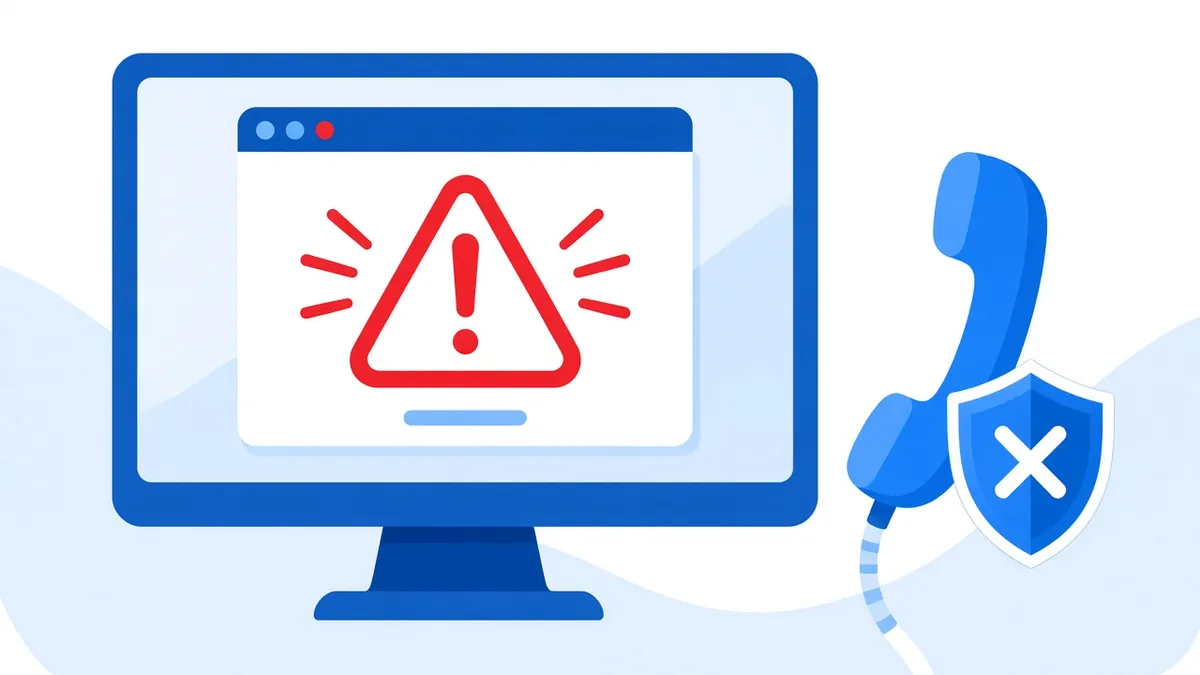
The screen goes red. A loud voice or alarm starts playing. A message says your computer is infected, your bank information is at risk, and you need to call a number right now. It looks official, sometimes with a Microsoft or Apple logo. It's fake. Here's how these scams work, how to get out of one, and what to do if you already called.
How these scams usually start
- The pop-up. A web page takes over your browser, goes full screen, and seems to lock up your computer. Microsoft says scammers do exactly this to scare people into calling a fake "support hotline."
- The phone call. Someone calls saying they're from Microsoft, Apple, or another tech company and that they've detected a problem with your computer. Microsoft notes that scammers can spoof caller ID to show a real company's number.
- The fake refund. The FTC describes emails or texts about a charge or a subscription renewal, asking you to call a number to cancel. On the call, they "accidentally refund too much" and pressure you to send the difference back.
- The search result. The FTC also warns that scammers buy ads and set up websites that show up when you search for tech support, hoping you'll call their number.
Two rules that catch almost all of them
Real security warnings never ask you to call a phone number. The FTC and Microsoft both say this plainly. Microsoft's error and warning messages never include a phone number.
Real tech companies don't call you out of the blue. Microsoft and Apple won't call to tell you your computer has a virus. If you didn't contact them first, it isn't them.
And a third that's almost as reliable: if anyone asks you to pay with gift cards, a wire transfer, or cryptocurrency, it's a scam.
How to close a "locked" browser
Most of these pop-ups don't actually lock your computer. They just take over the browser.
- Windows: press Ctrl + Alt + Delete, open Task Manager, select your browser, and click End task.
- Mac: press Command + Option + Escape, select the browser, and click Force Quit.
- When you open the browser again, don't click "restore tabs" or it may load the scam page right back up.
- If nothing works, hold the power button until the computer shuts off.
Then update your security software and run a full scan, which is what the FTC recommends if you're worried there's a real problem.
If you already called or let them in
It happens to careful people all the time. These scammers are good at what they do. The important thing is to act quickly.
- Disconnect from the internet. Turn off Wi-Fi or unplug the network cable so they can't stay connected.
- Remove any remote access program they had you install. Scammers often use real, legitimate remote support tools. If you don't recognize something in your installed programs, or you installed it during the call, uninstall it.
- Change your passwords from a different device, such as your phone or another computer. Start with your email, then banking and anything that uses the same password.
- Call your bank or card company using the number on the back of your card, not any number the scammer gave you. Ask about disputing charges.
- If you paid with a gift card, contact the company that issued the card right away and tell them it was used in a scam.
- Report it at ReportFraud.ftc.gov. Include the phone number you were told to call.
- Get the computer checked. Once someone has had remote access, it's worth having the machine looked over for leftover remote tools or software they may have installed.
How we can help
If a scammer had access to your computer, we can check it for remote access tools and malware, clean it up, and help you get your files backed up safely. We'll walk you through what we found in plain language. We can't undo a payment you made, so call your bank first, but we can help make sure the computer itself is safe to use again.
One more thing: if anyone ever calls claiming to be from Tech Station about a problem you didn't bring to us, hang up and call us directly at 518-900-1663.
Share this with someone
The FTC says talking about scams is one of the best ways to stop them. If you have a parent, grandparent, or neighbor who uses a computer, send them the two rules: real warnings don't give phone numbers, and real tech companies don't call you first.
Want us to take a look?
Tech Station is an appointment-only repair shop at 6 Northway Lane in Latham, NY. Pick whichever of these is easiest for you:
- Book online: choose a time that works for you on our online booking calendar.
- Call us: 518-900-1663 if you'd rather talk it through first.
- Text us: send a quick description (and a photo if you can) to 518-900-1663.
Before we start, you have an estimate. If a diagnostic is needed, it runs $40 to $100, and we explain it and get your okay before we start. We offer free pickup and delivery within 5 miles of the shop, and a flat one-way fee beyond that. We can't promise every device can be fixed, but we'll always tell you what we find.