
Blog · Battery Health · November 19, 2026
Phone Charging Myths: Overnight, Fast Charging and Cheap Cables
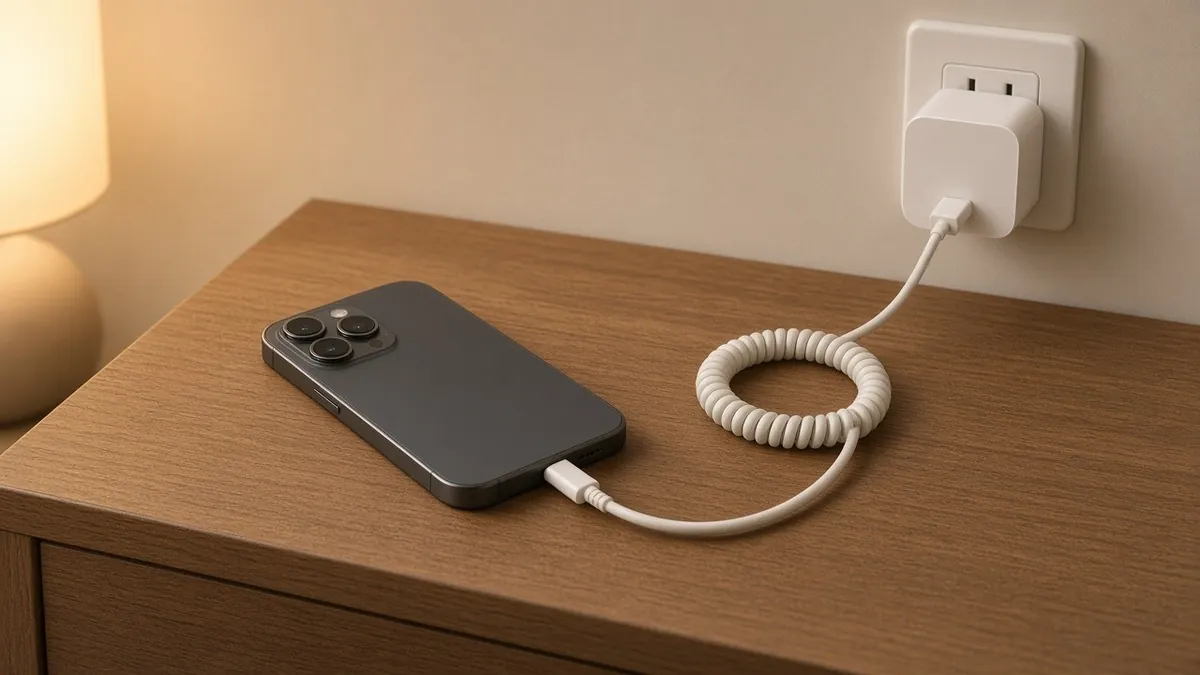
Everyone has heard at least one charging rule. Never charge overnight. Let it die before you plug it in. Fast charging ruins the battery. Some of these were true years ago, some were never true, and one of the most important ones barely gets mentioned. Here's what Apple, Google and Samsung actually say.
Myth 1: Charging overnight will wreck your battery
Mostly false, with a small grain of truth. Your phone doesn't keep forcing power into a full battery all night. What does wear a lithium-ion battery a little faster is sitting at a full charge for long stretches, especially when it's warm. That's why all three big makers now build in a fix:
- iPhone: Optimized Battery Charging is on by default. Apple says it learns your daily routine and holds off charging past 80 percent when it predicts you'll be plugged in for a long time, then aims to finish before you unplug. iPhone 15 and later also let you set a charge limit between 80 and 100 percent.
- Google Pixel: Adaptive Charging finishes the charge right before you usually unplug. Google says it needs about 14 days to learn your habits. Pixel 6a and later can also limit charging to 80 percent.
- Samsung Galaxy: Under Settings, then Battery, then Battery protection, Samsung offers Basic, Adaptive and Maximum. Adaptive uses the 80 percent stop while you sleep and switches back before you wake up. Maximum stops at 80 percent all the time (newer software lets you pick a limit between 80 and 95).
So overnight charging is fine for most people, as long as these features are left on. Apple specifically notes that turning off charging optimizations can increase battery wear.
The part that does matter overnight is heat. Google points out that a phone warms up while plugged in. Apple's safety guide says to keep the phone, cable and adapter in a well-ventilated area and not to sleep on the cable. Charge on a nightstand, not under a pillow or blanket.
Myth 2: Let it drain to zero before charging
False for today's phones. That advice comes from older battery types. Apple says you can charge a lithium-ion battery whenever you want, with no need to run it down first. Batteries count wear in charge cycles: using 75 percent one day and 25 percent the next adds up to one cycle, whether you charged in between or not. Topping up during the day is fine.
Myth 3: Fast charging ruins batteries
Mostly false. Fast charging is managed by the phone, not just the charger. Apple explains that its batteries fast charge to about 80 percent and then switch to slower trickle charging for the rest, which helps lifespan. Apple also says fast charging might not work when the phone is too hot or too cold, because the phone protects itself.
The real rule is simple: use a fast charger that is built for the job. For iPhone, Apple says that means its own adapter or a comparable third-party USB-C adapter that supports USB Power Delivery. If your phone feels hot while fast charging, take the case off and let it cool.
Myth 4: Any cable is fine, they're all the same
This is the one worth worrying about. A no-name cable or a gas station charger can look identical to a good one and be very different inside.
- Apple's safety guide says third-party cables and adapters are fine if they are compliant with USB 2.0 or later and meet safety standards, but other adapters may not meet those standards and could pose a risk of serious injury.
- The same guide says damaged cables or chargers, or charging while the phone is wet, can cause fire, electric shock or damage.
- For USB-C, the USB Implementers Forum (USB-IF) only licenses its certified logo to products that passed its compliance testing, and it keeps a public list of certified products at usb.org, so you can look up a cable before you buy it.
A frayed cable, a charger that gets very hot, or a plug that sparks somewhere other than the prongs is a reason to stop using it, not to tape it up.
Myth 5: A slow or flaky charge means the battery is bad
Not always. A cable that only works at a certain angle, or a phone that says it's charging and then stops, is often the cable, the adapter or lint packed into the port. Try a different cable and adapter first. If it still won't charge properly, the port or the battery may need a look.
The short version
- Overnight charging is fine with your phone's built-in charging protection left on.
- Charge whenever it suits you. No need to drain it first.
- Fast charging is fine with a proper charger.
- Keep it cool while it charges.
- Spend your caution on cables and chargers, not on charging habits.
If your battery is already fading fast, our earlier post on checking battery health walks through where to find the numbers on iPhone, Pixel and Galaxy.
If a known-good cable still will not charge the phone, see phone repair in Latham.
Want us to take a look?
Tech Station is an appointment-only repair shop at 6 Northway Lane, Latham, NY 12110. We work on phones, consoles, computers, tablets and plenty of other electronics, so if your device isn't mentioned here, ask anyway. Pick whichever of these is easiest for you:
- Book online: choose a time that works for you on our online booking calendar.
- Call us: 518-900-1663 if you'd rather talk it through first.
- Text us: send a quick description (and a photo if you can) to 518-900-1663.
You get free diagnostics and a free estimate. We tell you what we find and what it will cost, and nothing gets done without your okay. Repairs come with a 30-day warranty, and we offer free pickup and delivery within 5 miles of the shop. We can't promise every device can be fixed, but we'll always tell you what we find.